For teachers and tutors
Teach over video, give kids exercises and games right on the screen, and let AI build a course on any subject.
Ready courses · AI builder · call in the lesson

AI course and lesson
Describe what you want to teach — AI will suggest a plan and write the lessons. You can edit everything.
Course building is part of Pro, and there is a trial period.
Maths, Russian, history, computer science, German, French and more.
An English course for 2nd grade, 8 lessons
AI · now
I'll put together a 3-module plan
- Getting to know each other · 3 lessons
- Family and home · 3 lessons
- Food and shopping · 2 lessons
You can adjust the plan by chat or by hand — right in the panel
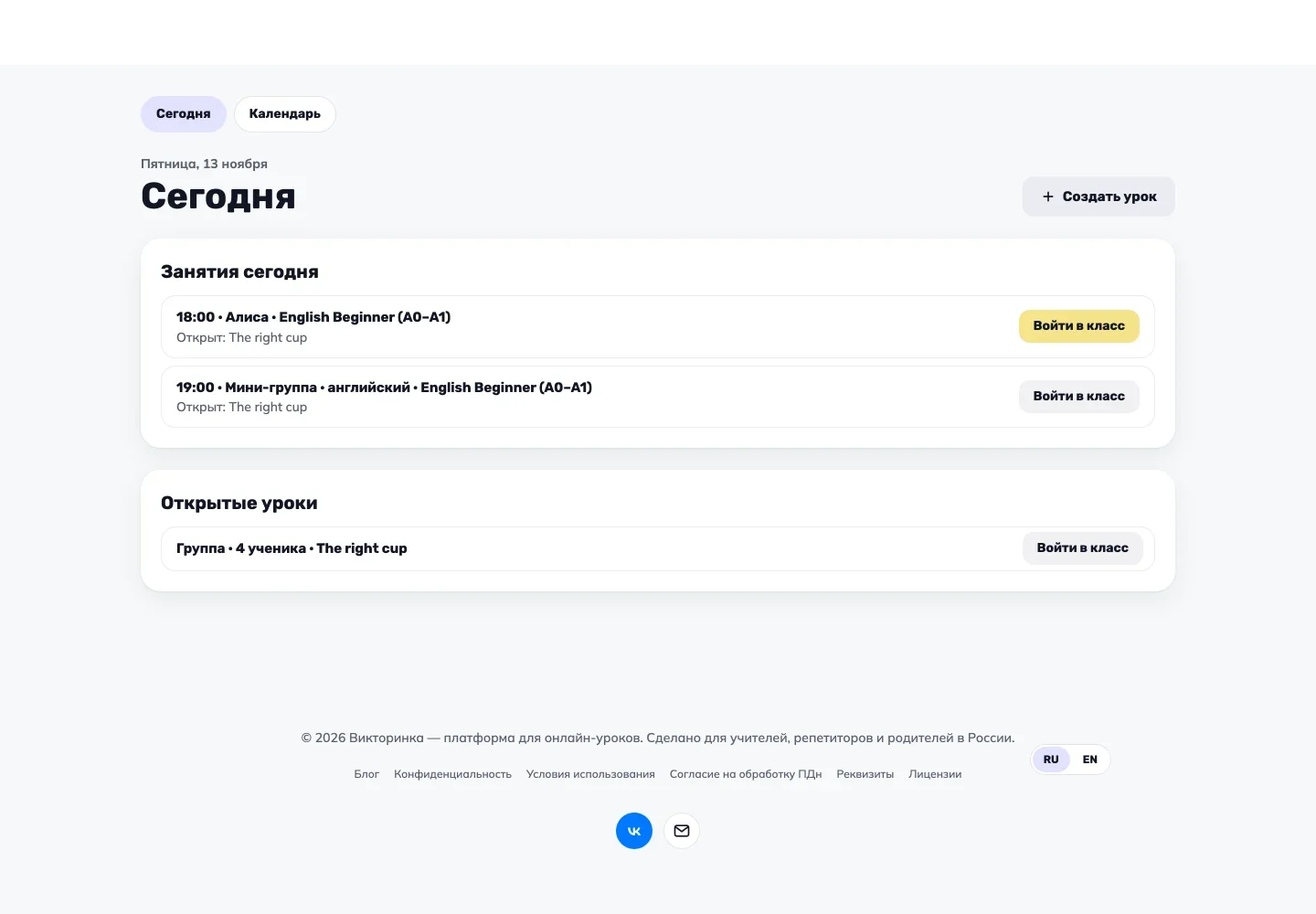
Cabinet
What's inside a lesson
A live class, ready-made courses, AI and everything for a lesson — in one workspace.
Ready-made materials
Pick one and teach: the program, lessons and homework are already put together. The library keeps growing.
For other subjects, AI builds the course.
- BeginnerA0–A1
- ElementaryA1–A2
- Pre-IntermediateA2–B1
- IntermediateA2+–B1


Interactive exercises
Kids answer on the screen — the check comes right away.
Homework
Students hand it in from their account; you check it there too.
Word trainer
Words come back for review at growing intervals.
Video call
A built-in call for lessons; for a bigger group, use your own link.
Games
Keep the class awake
Spice up a lesson with a game: 12 formats on the same topic. And words repeat on their own, at growing intervals.
Warm-up
Tic-tac-toe
Bomb
Starship
Monsters
Memory
Match pairs
Whack-a-mole
Board walk
Battleship
Wheel of fortune
Super Znayka
Word trainer
Words come back for review at growing intervals, so they stay in memory for a long time.
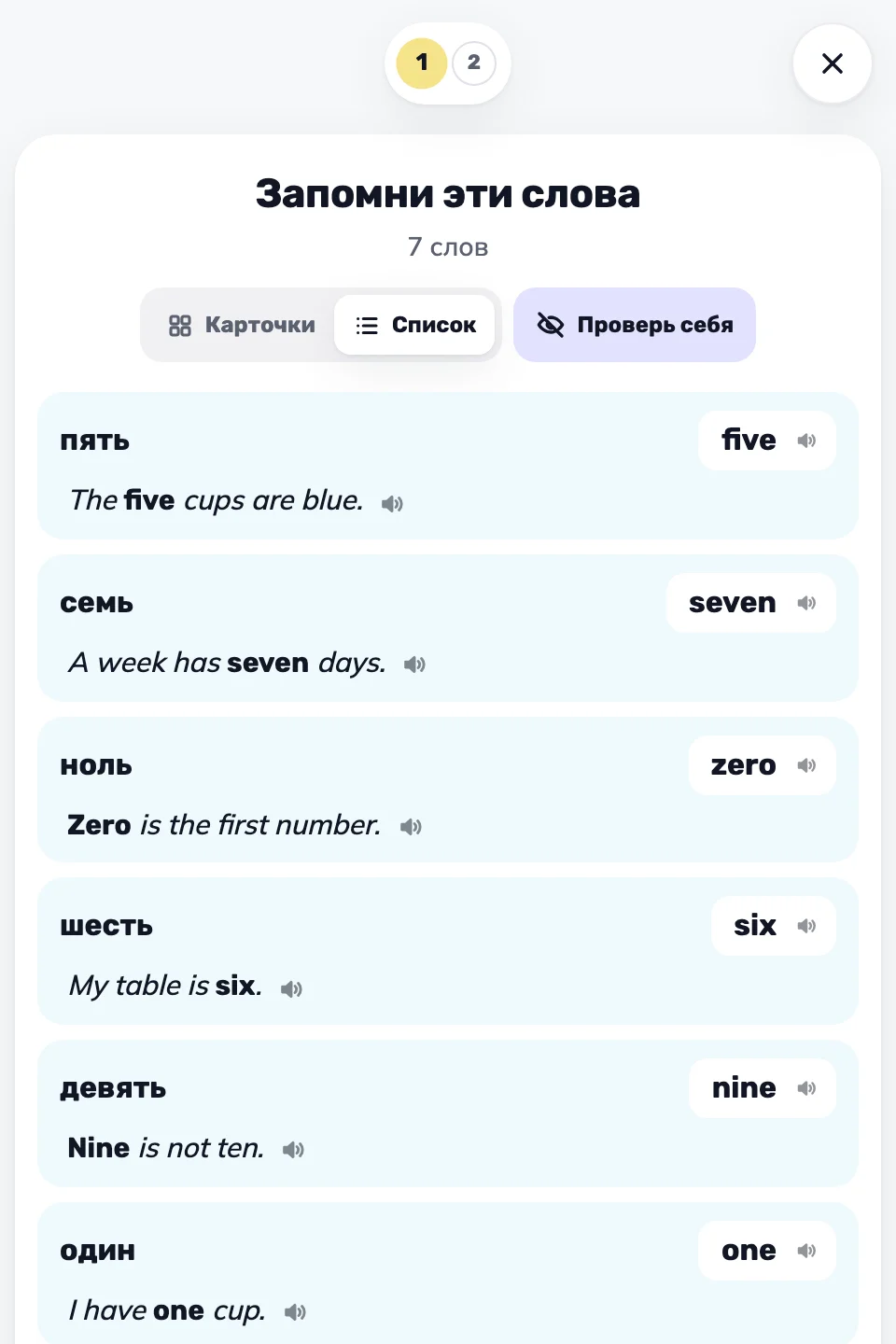
Remember the words 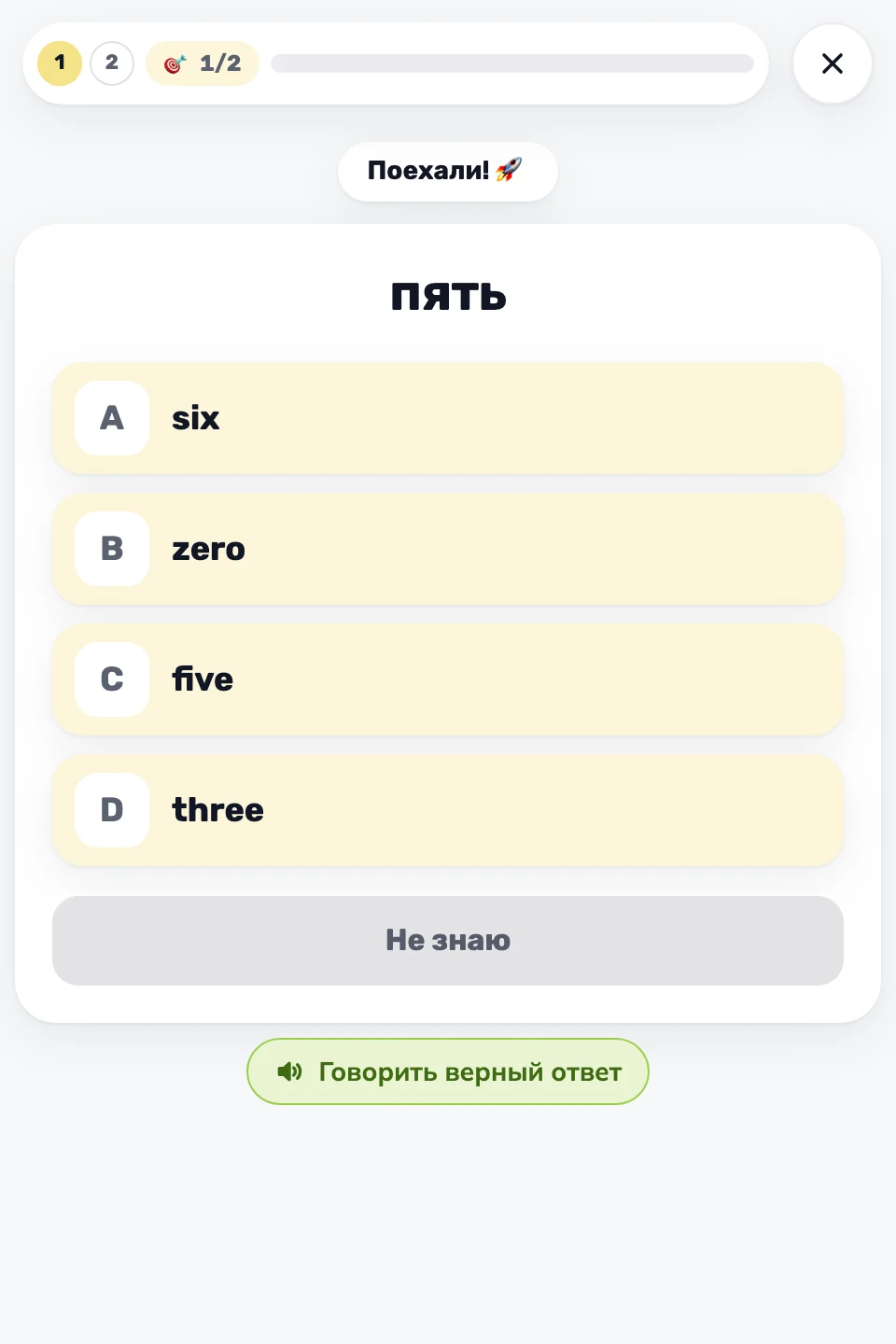
A card: choose the answer 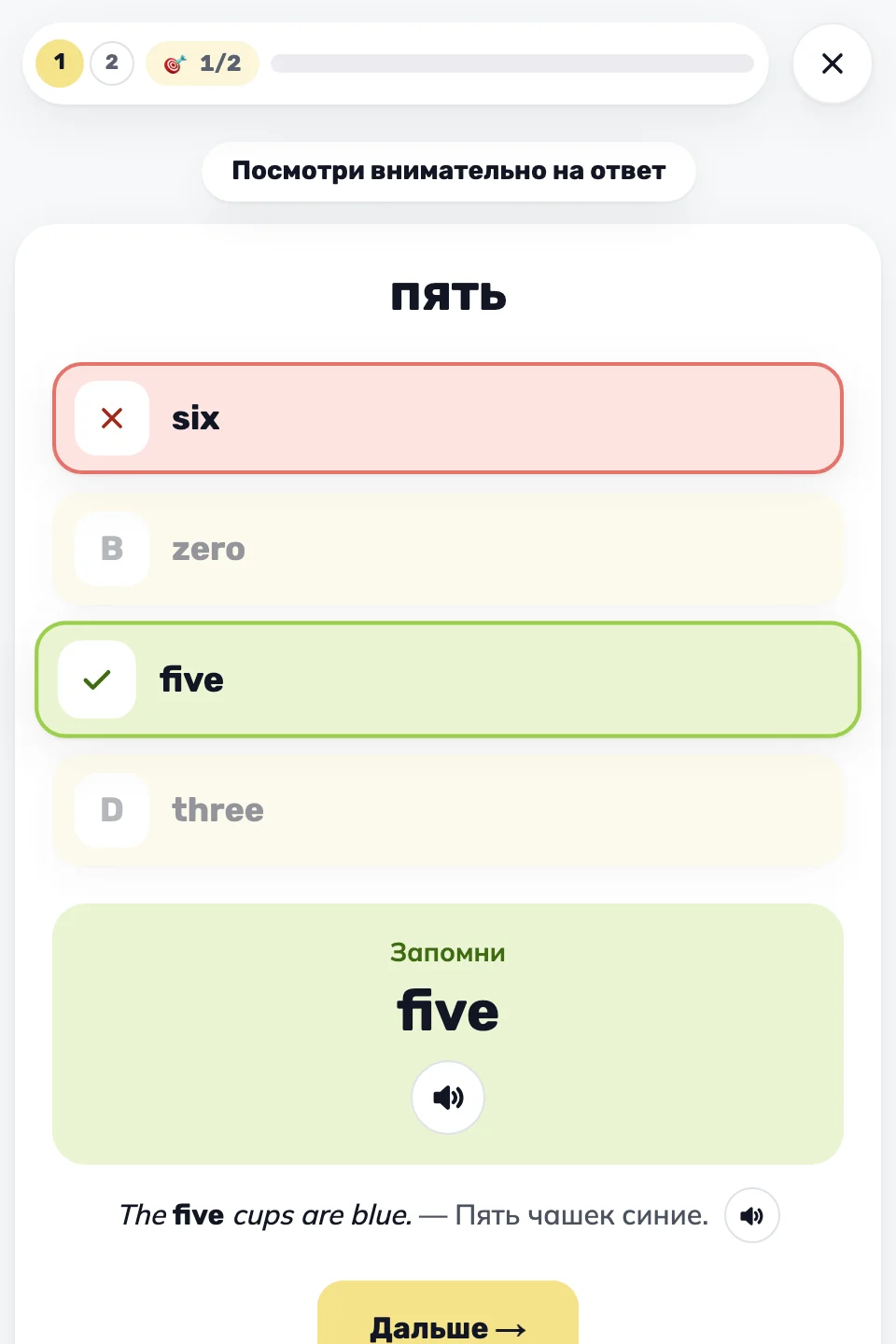
Review: the answer and the translation 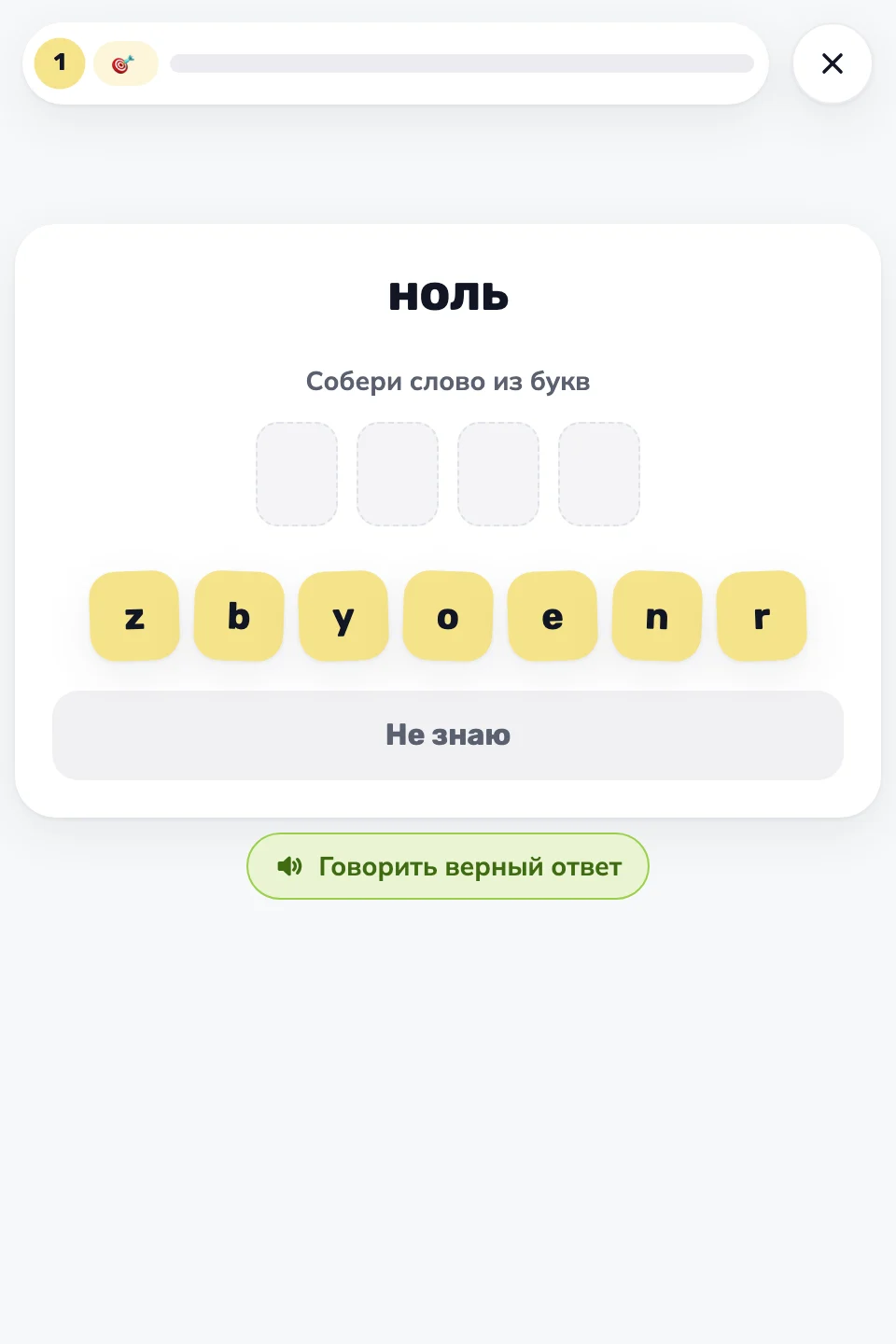
Build the word 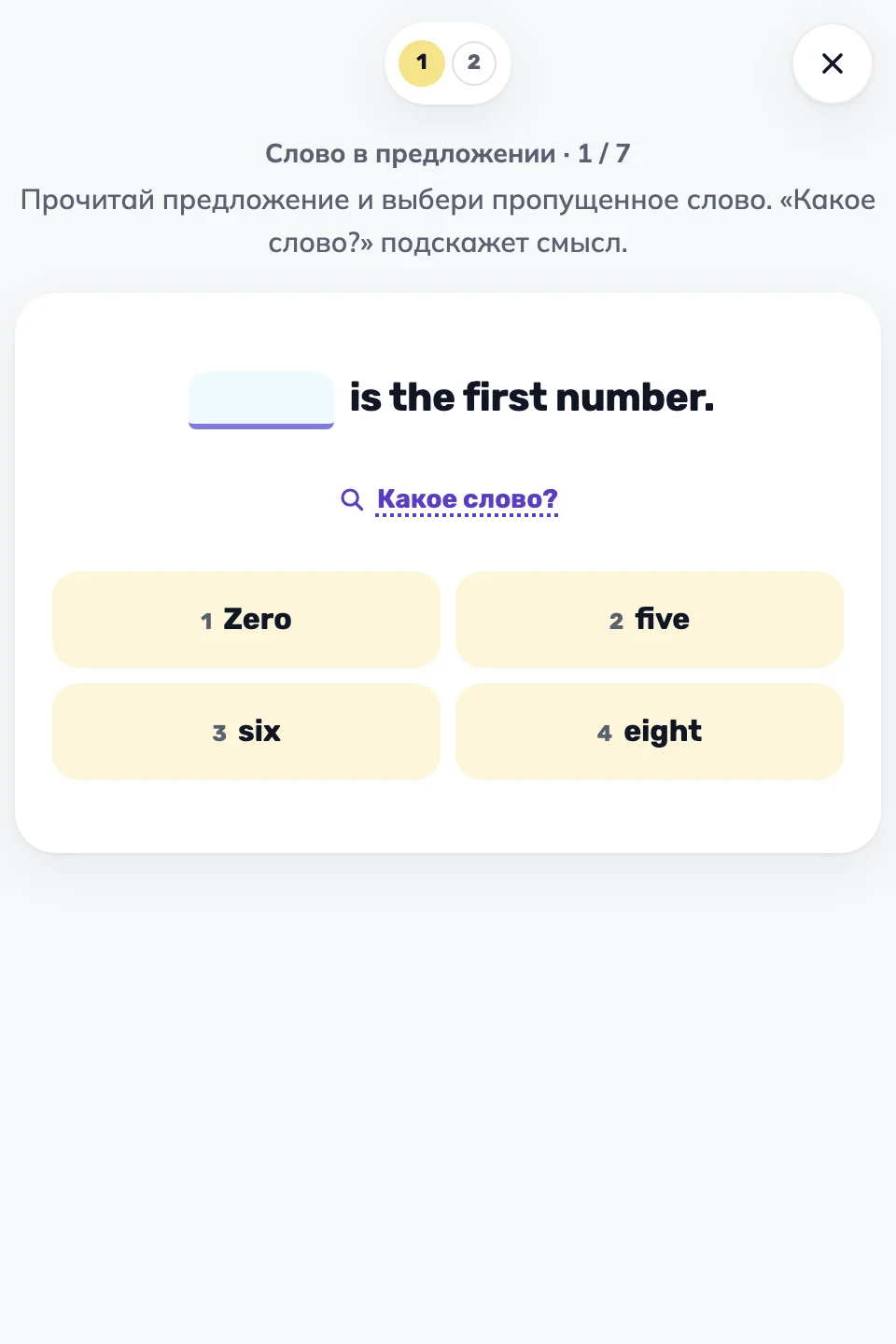
Choose the word in the sentence 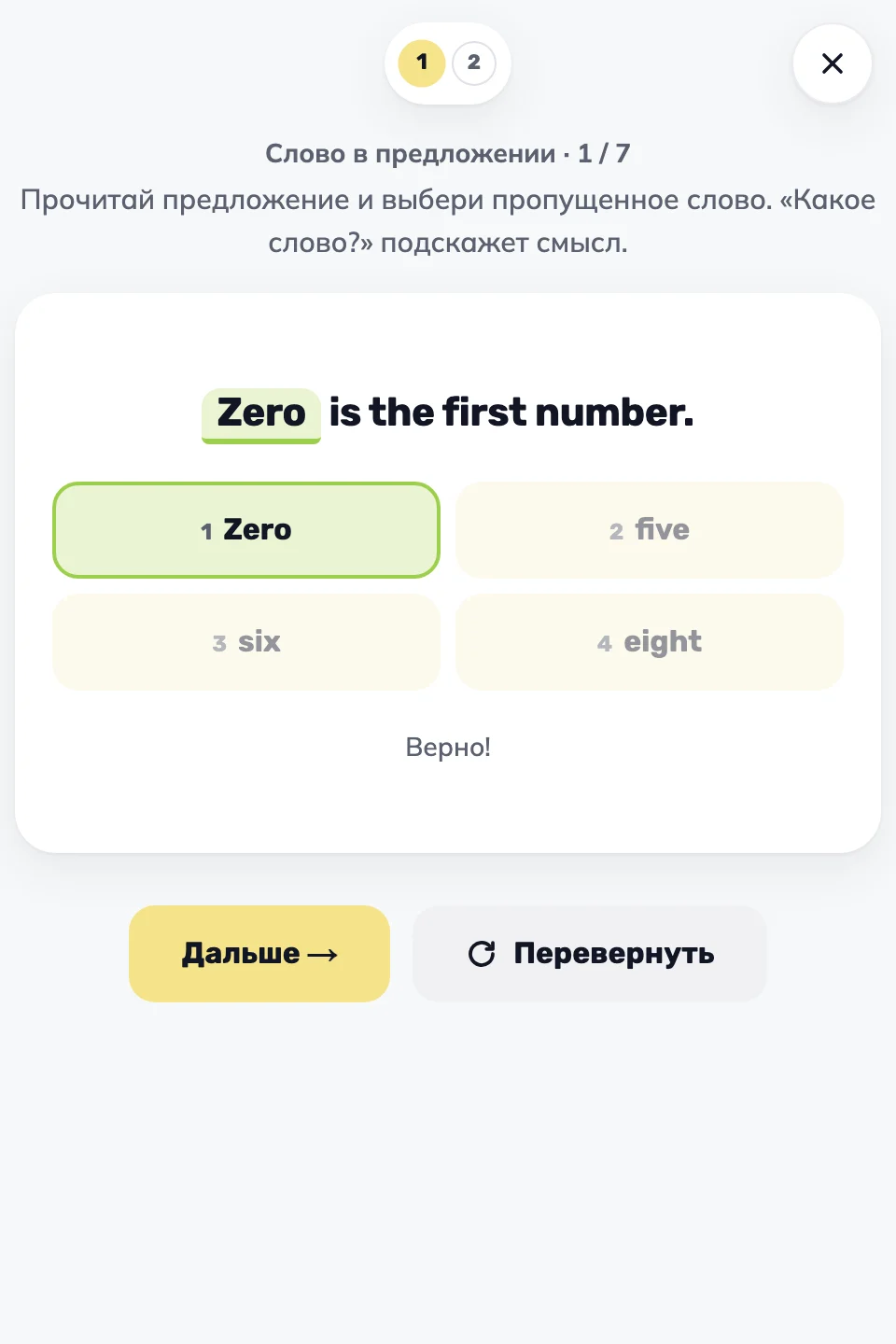
You see at once if it is right
Pricing
Try Pro for free
14 days after sign-up — every Pro feature. No card needed.
590 ₽/mo
- Unlimited lessons and courses
- AI lessons and courses — within the monthly budget
- Homework with auto-checking
- Live lessons with a video call
- Students and classes at no extra cost
- Word trainer: every topic, reviews and the AI chat
- Memorising and mistake review
- All 12 games
- Stats, export and print
Q&A
FAQ
Which subjects can I teach?
English has a ready-made library: Beginner, Elementary, Pre-Intermediate, Intermediate. For other subjects — maths, Russian, history, computer science, German, French and more — AI builds the course, and you can also make lessons by hand.
Are there built-in video calls?
Yes, the call is built into the lesson — no apps to install. At launch it is one-to-one; for a group, paste your own link: Yandex Telemost, Zoom or another.
How do I create a course?
Three ways: take a ready-made one from the library, ask AI to build a course from your description — it suggests a plan and writes the lessons, which you can edit — or build it by hand: your own lessons, exercises and homework. AI building is part of Pro.
Does it work on a phone?
Yes, the cabinet and lessons open in a browser on a phone or a computer.
Who sees my child's data?
Only you and the parent with the link; data is stored in Russia.
Online teaching with Zarnio
Zarnio is a platform for online lessons with children: class and schedule, video call, interactive exercises, homework and student progress — in one workspace.
English has a library of ready-made courses, from Beginner to Intermediate, with lessons, pictures and audio. For other subjects AI builds the course: describe who it is for and what you want to teach, and it suggests a plan and writes the lessons you can edit. A parent sees the child's progress through a link from the teacher.
Ready to teach your first lesson?
Create a class, take a ready-made course or build your own with AI. Students learn in their account, parents see the progress. Start for free.